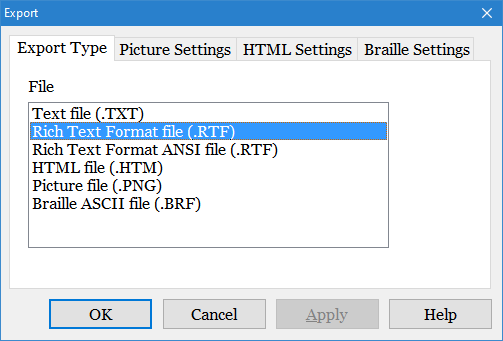
Baraha supports exporting the Baraha document to following file formats.
TXT file (.TXT):
This selection lets you save the Baraha document as a Unicode text file.
Rich Text Format file (.RTF):
This selection lets you save the Baraha document as a Rich Text Format file containing Unicode text.
Rich Text Format ANSI file (.RTF):
This selection lets you save the Baraha document as a Rich Text Format file containing ANSI text.
HTML file (.HTM):
This selection lets you save the Baraha document as a .HTML file containing Unicode text.
Picture file (.PNG):
This selection lets you save the Baraha document as a .PNG picture file. If the output can't fit in one picture file, then multiple files are created. For example,
when you export with a file name, say test.png, then test001.png, test002.png, test003.png ... files are created.
Braille ASCII file (.BRF):
This selection lets you save the Baraha document as a Braille ASCII File. This
file can be opened from Braille software such as Duxbury for embossing on Braille paper.
See:
Export - Picture Settings
Export - HTML Settings
Export - Braille Settings